It is a Tuesday morning, and an operations manager opens her weekly supplier summary. The tool she has used for months has read forty pages of emails and attachments and produced a tidy half page. The sentences are fluent. The supplier names are right. She skims it, sends it up to the finance director, and moves on.
Three weeks later a supplier chases an invoice and asks why nobody mentioned the new payment terms. The line had been missing from every summary since an update the tool received in the middle of that month. Nothing looked broken, because nothing was broken in a way the eye could catch.
This scene is a composite, and the timing is illustrative. The pattern is real. I have watched it happen to capable people with good tools, and it is why I now keep a small drawer of finished jobs.
What changed was not your prompt
When an AI tool starts giving worse answers, the first instinct is to blame the instruction. Someone rewrites it, adds a few capital letters, and tries again. In my work, the instruction is usually the one thing that did not change.
What changed is the tool underneath. Providers update their models, adjust defaults, retire older versions and add new options, often without a headline. The same words in the same box can now meet a different engine. Sometimes the new one is better. Sometimes it is better on average and worse on the one task you care about. Researchers at Stanford and Berkeley measured exactly this: Chen, Zaharia and Zou (2023) compared the March and June 2023 versions of GPT-4 on identical questions and found accuracy on one task fell from 84% to 51%, while GPT-3.5 improved on the same task over the same months.
The difficulty is that fluent writing hides omissions. A summary that drops a line does not look like a failed summary. It looks like a clean one. If you ask yourself, "does this look fine?", the answer will almost always be yes, and "it looked fine" is exactly how a three-week problem stays invisible for three weeks.
So the useful question is not whether the output looks right. It is whether the output still matches what I already know to be right. That is only possible if you have kept some right answers.
Build the drawer in one sitting
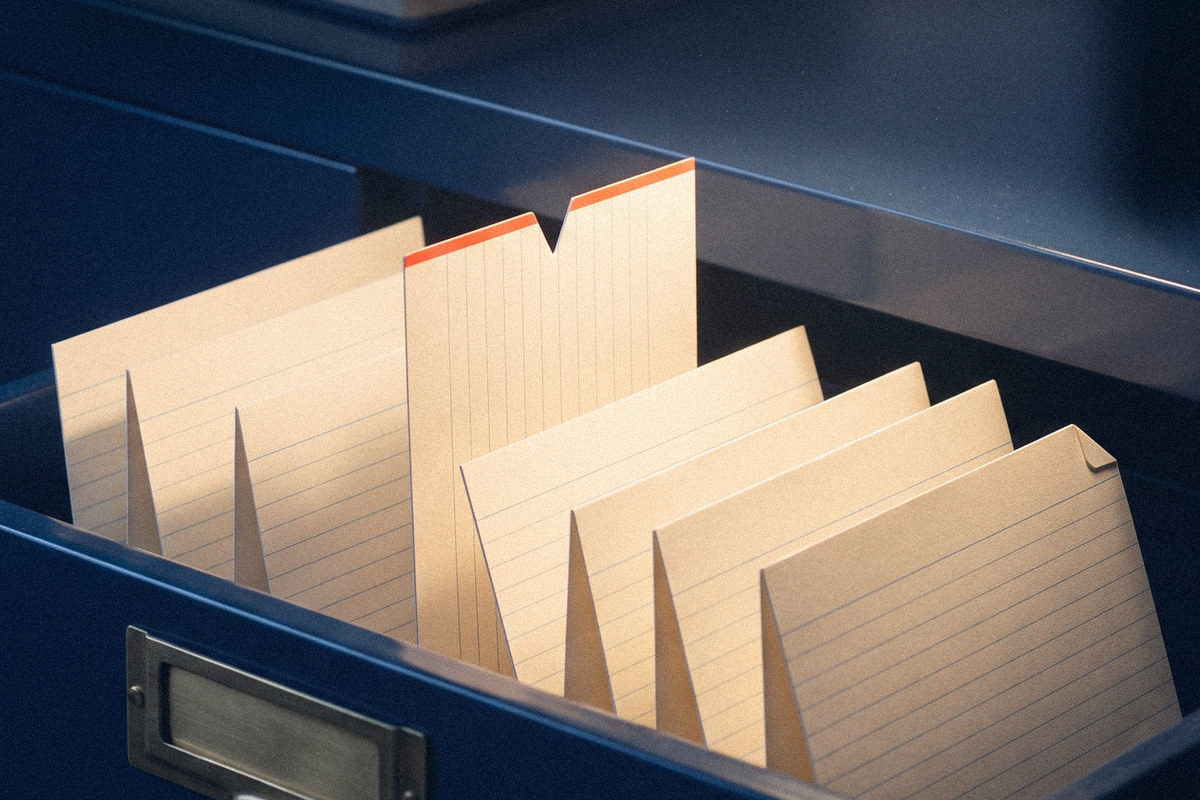
The drawer is a set of eight index cards, physical or digital, each holding a job you have already finished and approved. It works because it is your own work. You know the correct answer, so you can judge a new result in a minute or two instead of hunting for errors in unfamiliar material.
Each card holds four things: the original input, the exact instruction you gave, the output you approved, and one line on what good looks like. Date the card, and note which tool, version or setting you used. Here is the set I recommend.
- Cards 1 to 3: ordinary weekly jobs. The summary, the draft reply, the spreadsheet clean-up you actually do every week. These tell you whether the everyday work still holds.
- Cards 4 and 5: jobs with a trap. One where a particular line must not drop, such as payment terms or a cancellation clause. One where a specific number must survive, such as a price or a deadline.
- Card 6: a messy input. A poor scan, a thread mixing Arabic and English, or a long forwarded chain. Real inputs are rarely clean, and updates often change how the tool copes.
- Card 7: a job where the right answer is "I can't tell from this." Give it a document that does not contain the answer. A tool that starts inventing something plausible here has told you something important.
- Card 8: your hardest tone or format. The firm but courteous refusal, the bilingual notice, the report in a layout your board expects.
This takes one sitting, and most of the time goes on choosing, not writing. If you are short of material, start with card one from whatever you finished this week and add the rest as jobs come through. Strip names and figures where the material is sensitive, or use files you are free to reuse.
The twenty-minute re-check
Run the drawer after any visible update, whenever a new model option appears in the menu, and after a month of silence even if nothing seems to have changed. Quiet months are when drift builds. The NIST AI Risk Management Framework (NIST AI 100-1) treats this as a standing duty, not a one-off test: under its MEASURE 2.4 the behaviour of an AI system is to be monitored while it is in production.
The routine is plain. Paste each card's input and instruction into the tool exactly as written. Put the new output next to the approved one. Mark each card with one of four words: same, better, worse, or different but fine. Eight cards, side by side, take me about twenty minutes. I treat that as the price of an update, the way I would treat a quick test of a car after it comes back from the garage.
The decision rule is deliberately blunt. If two or more cards come back worse, I hold the tool off live work for that week. I adjust the instruction, re-run the cards, and when they pass I re-date them. One worse card is a note to watch. Two is a pattern.
The worked example, continued
Return to the operations manager, this time with a drawer. After the mid-month update she runs her eight cards. Card 4 is her supplier-summary job with the payment-terms trap, and it fails within minutes: the summary is fluent, shorter than before, and the payment-terms line is simply absent. She sees it only because the approved version is open beside it.
She adds one sentence to the instruction: list payment terms for every supplier, and say "not stated" when a document has none. She re-runs the card. The line returns. She re-runs the others, and they pass. Then she adds a ninth card built from the supplier email that exposed the gap.
Twenty minutes, one sentence, no supplier chasing an invoice. Compare that with the version where the first sign of trouble is someone outside the company asking a question you can no longer answer well. The difference between the two is not skill or luck. It is whether there was a drawer.
What the drawer will not do
The drawer does not prove the tool is correct. It only shows that the tool has not got worse on eight jobs where you already know the answer. A tool can pass all eight and still fail on a ninth job you never thought to file, and it can still make mistakes that were always there.
The drawer also ages. If your business changes, your suppliers change or your documents change, the cards stop being representative. When a card no longer looks like your real work, replace it. A stale drawer gives comfort without evidence, which is worse than having none.
Used honestly, though, it does one narrow thing well. It turns "I have a feeling the tool got worse" into something you can see on a table in twenty minutes, and it lets you decide whether the tool still deserves your Monday.
Take a job you finished this week, the one you were pleased with. Save the input, the instruction and the approved output on a card, write one line on what good looks like, and date it. That is card one.